Client Portal
 AI Solutions
 Custom Development
 Cloud Services
 Cyber Security
 Digital Workplace
 Managed Services
 Blog
Blog Whitepapers & eBooks
 Events
 Partnerships
 Case Studies
 Company
 Careers
 FAQ
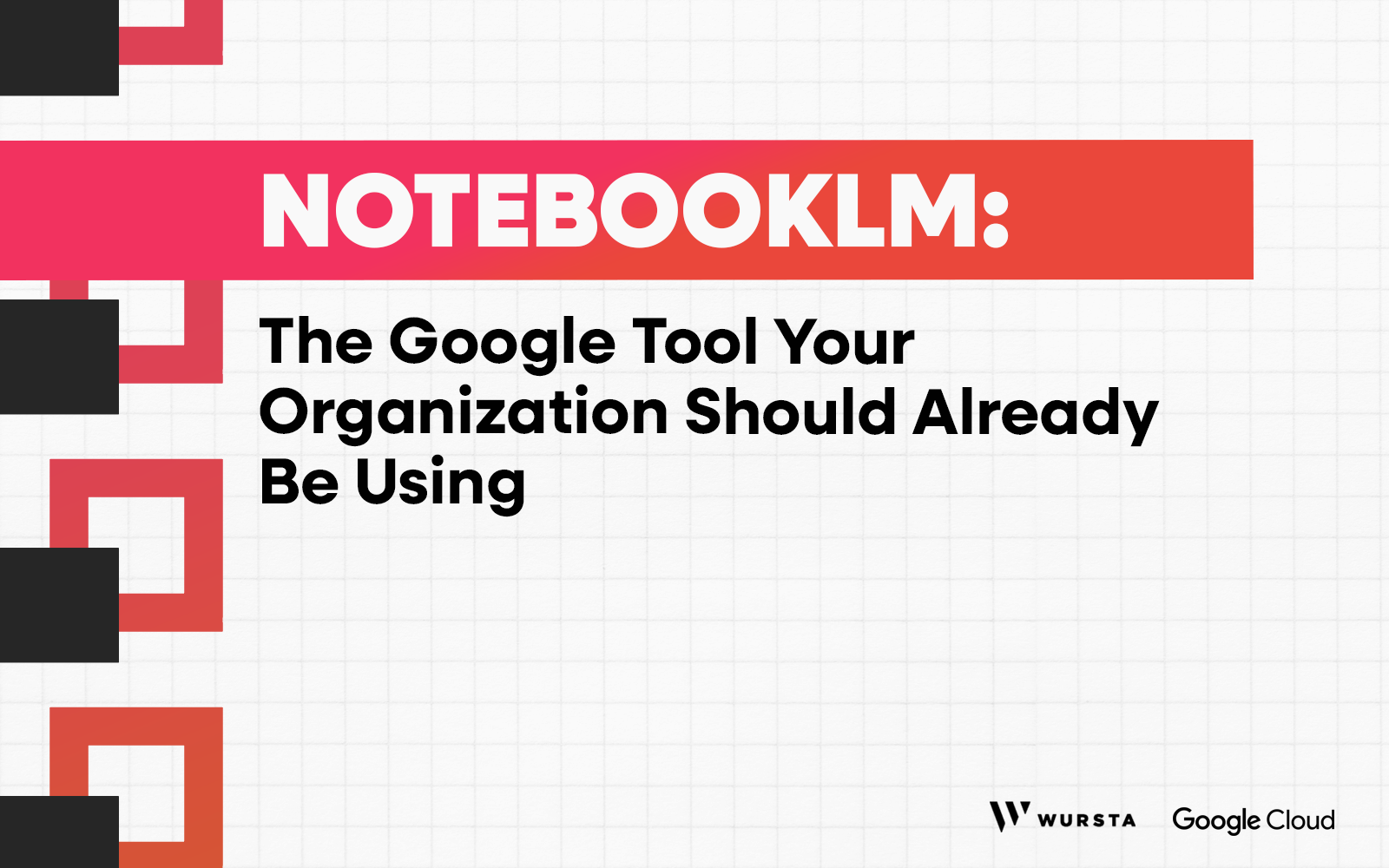
FAQNotebookLM: The Google Tool Your Organization Should Already Be Using

Meghan Austin
Enterprises aren’t short on information. They’re practically drowning in it. Research reports, meeting transcripts, training materials, market analyses – teams can spend hours each week just trying to find what they already have.
NotebookLM, Google’s AI-powered research tool, is changing that. Here’s a quick look at how it works and why more enterprises are making it part of their workflow.
At a Glance: How NotebookLM Works
NotebookLM is essentially your own personal AI expert in the materials you upload.
Powered by Gemini 3 and operating as a closed system, it only ever works with the sources you give it – Google Docs, Slides, PDFs, website URLs, audio files, YouTube videos, and more. Once those materials are added to a notebook (with up to 300 data points each!), Gemini builds an understanding of the information they contain.
From there, you can interact with your documents conversationally. Simply ask a question, request a summary, compare two sources, or ask for key takeaways. NotebookLM generates responses based on the material in that notebook – and it includes citations, so you can trace any answer directly back to the relevant passage in your original material.
Why Enterprise Teams Are Turning to NotebookLM
For enterprise teams overloaded with documents and data, NotebookLM offers some powerful advantages:
1. A Central Hub for Your Team’s Knowledge
NotebookLM brings diverse sources together in one interactive place, breaking down information silos. Think about how often your team’s knowledge is scattered: a PDF here, a Google Doc there, a website someone bookmarked three months ago.
By connecting materials that would normally live across different tools and folders – or even on the web – NotebookLM makes it easier to uncover relationships between sources and keep everyone working from the same knowledge base.
2. Research and Insights Faster Than Ever
Many enterprise teams spend a large portion of their time reviewing documents and reports. NotebookLM can analyze these materials in seconds, delivering concise summaries and extracting key insights while presenting them in engaging ways – like Mind Maps, Study Guides, and Video Overviews.
Instead of manually combing through dense material, teams can quickly zero in on what matters and move forward to make better-informed decisions.
3. Expedited Onboarding and Simplified Training
New hire buried in docs? With NotebookLM, onboarding new employees gets a whole lot easier.
Training materials, policy guides, and internal documentation can all be uploaded into a shared notebook, giving new hires a resource they can interact with and ask questions of rather than simply read through. (And because chats aren’t saved unless someone chooses to save them as notes, employees can explore the material freely without leaving a visible trail!)
4. Security and Privacy Built In
NotebookLM is a completely closed system. It works only with the sources your organization uploads, helping keep sensitive data contained. Sources stay private unless you choose to share a notebook.
Plus, as part of Google Workspace, NotebookLM is backed by enterprise-grade security and privacy protections – and it never trains models on uploaded Workspace user data.
5. Learning Through Audio Briefings
Not everyone has time to read a 40-page report before a meeting. With Audio Overviews, NotebookLM turns documents into engaging podcast-style conversations.
Two AI hosts walk through the key ideas, transforming lengthy materials into concise, listenable briefings. And it’s interactive, so listeners can even ask the hosts follow-up questions or request clarification as they go.
6. Responses Tailored to How Your Teams Work
Different teams need information presented differently. NotebookLM allows teams to customize how responses are framed – such as from the perspective of an analyst, strategist, marketer, or other role depending on the task at hand.
Instead of getting one-size-fits-all answers, your team gets insights delivered in a style that matches how they work and make decisions.
Get Started with NotebookLM and Gemini for Google Workspace Today
NotebookLM shows how generative AI can be uniquely useful when it’s grounded in the data your teams work with every day.
As NotebookLM continues to evolve alongside Gemini for Google Workspace, it’s becoming an increasingly powerful tool for research, collaboration, and knowledge management across the enterprise – a kind of collaborative “second brain” built from your company’s own data.
The best way to understand what it can do is to try it out. Our NotebookLM Step-by-Step Guide walks you through getting started – so you can leverage Gemini to build an AI-driven knowledge hub for your whole team.
And if you’re looking to roll out Gemini for Google Workspace more broadly across your organization, Wursta can help you there, too. From initial assessment to full-scale implementation, we guide teams through every step. Contact us today to explore the possibilities!
Your organization already has the knowledge. Gemini just helps your teams tap into it.