Client Portal
 AI Solutions
 Custom Development
 Cloud Services
 Cyber Security
 Digital Workplace
 Managed Services
 Blog
Blog Whitepapers & eBooks
 Events
 Partnerships
 Case Studies
 Company
 Careers
 FAQ
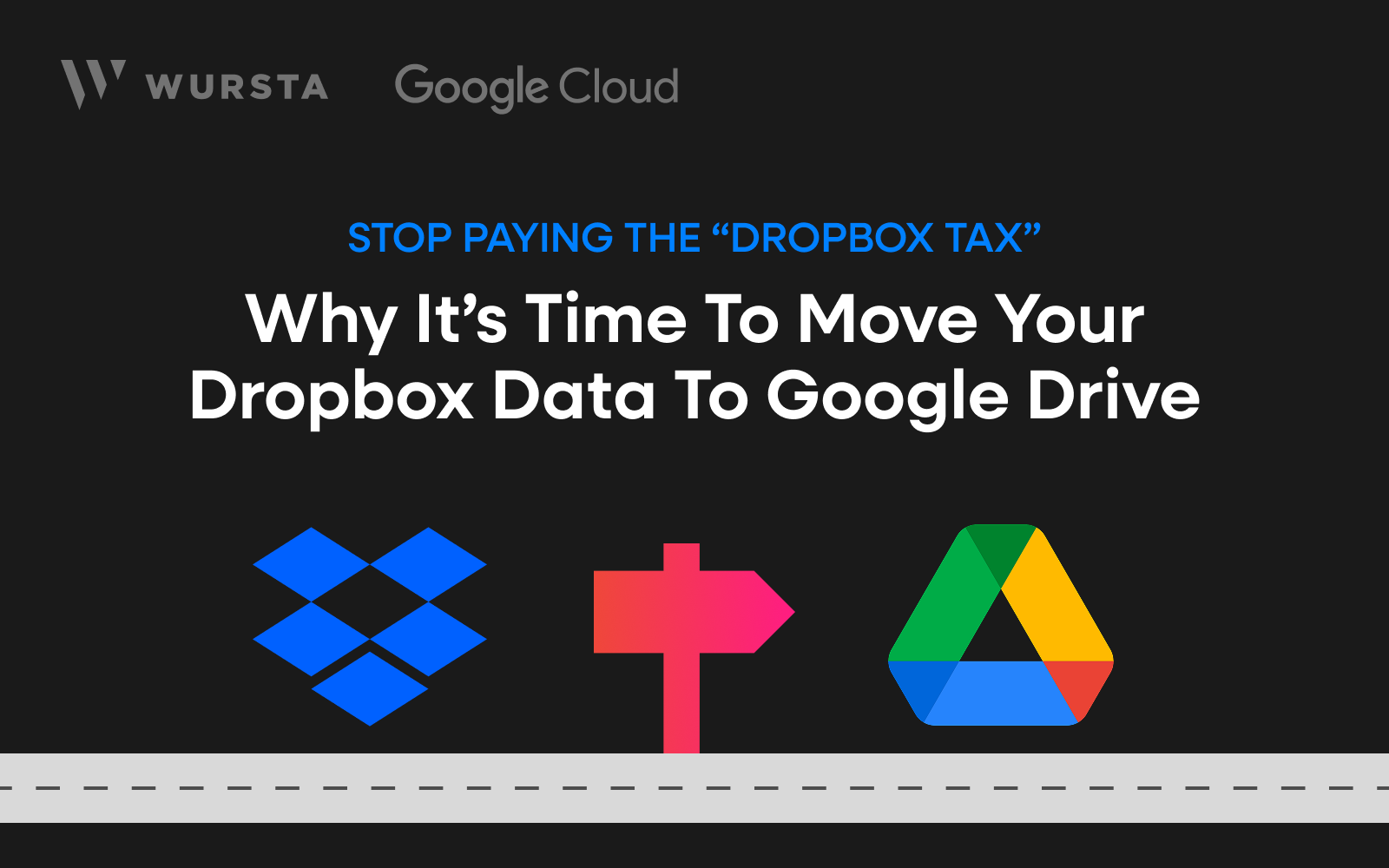
FAQStop Paying the “Dropbox Tax”: Why It’s Time to Move Your Dropbox data to Google Drive

Patrick Della Peruta
If your company runs on Google Workspace (Gmail, Docs, Sheets, Meet), you’ve likely noticed a peculiar habit among your team. They spend their days collaborating in Google’s ecosystem, but when it comes time to save a file, they head over to Dropbox.
For a long time, this hybrid approach was the norm. But today, it’s costing you—literally and operationally.
With the latest updates to Google Workspace and its migration tools, the barrier to entry has vanished. If you are already a Google Workspace customer, migrating your Dropbox data to Google Drive now comes with effectively zero software cost.
Here is why you should consolidate your cloud storage today.
1. You Are Likely Paying for Storage Twice
The most immediate benefit is the bottom line. Most Google Workspace editions come with generous—often pooled—storage capacities (ranging from 2TB to unlimited for Enterprise).
If you are paying for Dropbox Business licenses on top of your Google Workspace subscription, you are paying for the same utility twice. By moving that data to the Google Drive quota you already possess, you can eliminate your entire Dropbox line item. That is immediate ROI just by switching off a redundant service.
2. The Migration Tool is Now Free (and Native)
Historically, the hesitation to switch wasn’t about the destination; it was about the journey. Migrating terabytes of file data used to require expensive third-party migration software or complex, risky manual transfers.
That has changed. Google has introduced robust, native data migration services specifically designed to pull data from Dropbox into Google Drive.
- No extra software fees: You don’t need to buy a separate migration tool.
- Preserves permissions: It maps your Dropbox sharing permissions to Google Drive, so confidential folders stay confidential.
- Background processing: Your team can keep working while the data moves in the background.
3. Kill the “Context Switch”
Dropbox is excellent at file storage, but Google Drive is built for file creation.
When your team stores Google Docs or Sheets inside Dropbox, they are often working with “link files” or managing clunky hand-offs between the two platforms. It breaks flow. By moving to Drive:
- Search everything in one place: Use Cloud Search to find a chat message, an email, and a file in a single query.
- Real-time collaboration is native: No more syncing conflicts or “conflicted copy” errors when two people try to edit the same Excel or Word doc. Drive handles versioning live.
- AI-Ready: Consolidating your data in Drive prepares your organization to use Gemini for Google Workspace, allowing you to ask AI questions across your entire document repository.
4. Simplified Security for IT
Managing two sets of permissions, two sets of admin consoles, and two potential attack vectors is a headache for any IT department.
- One Admin Console: Manage file access, external sharing policies, and data retention from the same place you manage email.
- Unified Access: Employees use their single Google SSO identity. No separate Dropbox credentials to lose or reset.
Is the move right for you?
We can help you assess your current data usage and plan a seamless migration using the new native tools. Our professional service engagements are led by a certified team who have executed thousands of data migrations to Google Workspace. Typical engagements run 6-8 weeks. Contact us to move your data today.
About The Author: Patrick M. Della Peruta
Patrick serves as the VP of Engineering with nearly 30 years of professional experience. He is passionate about leveraging cutting-edge technology to solve complex problems and deliver value to customers.